
All of your team’s work,
on your own servers.
File, communication and office tools on your own infrastructure, without depending on outsiders. On top: applications we build around how organisations work.
- Files
- Talk
- Office
- Groupware
- Assistant
- Flow
Nextcloud-based
collaboration platform.
A Nextcloud-based online collaboration platform: file sharing, video/voice/text communication, plus mail, calendar and office applications — all under your organisation’s control, with 100% data sovereignty.
- Your data always stays on your servers
- Per-user rental — no licences to buy
- New users join within minutes
What we build
on D-Hub.
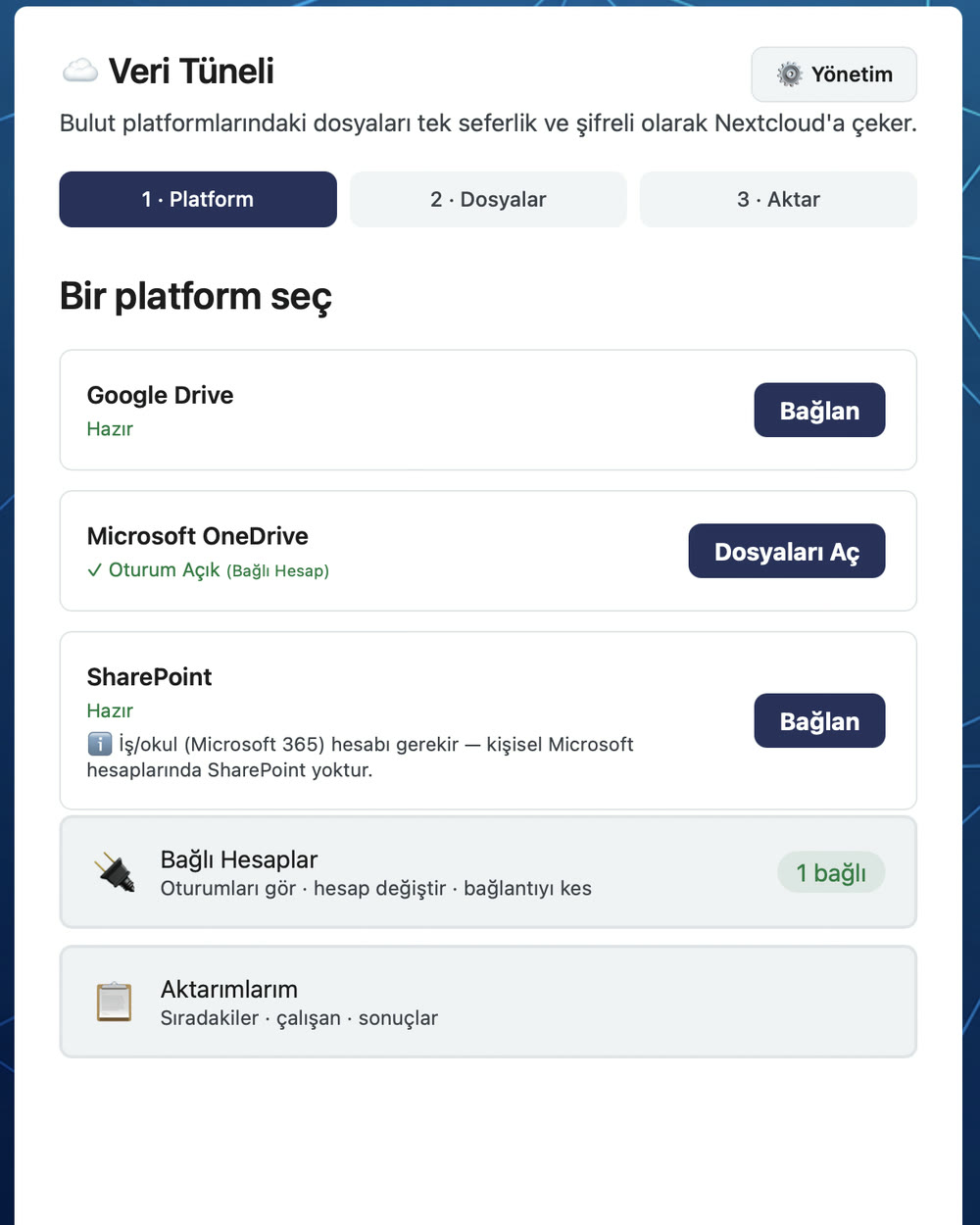 CloudImport
Data Tunnel
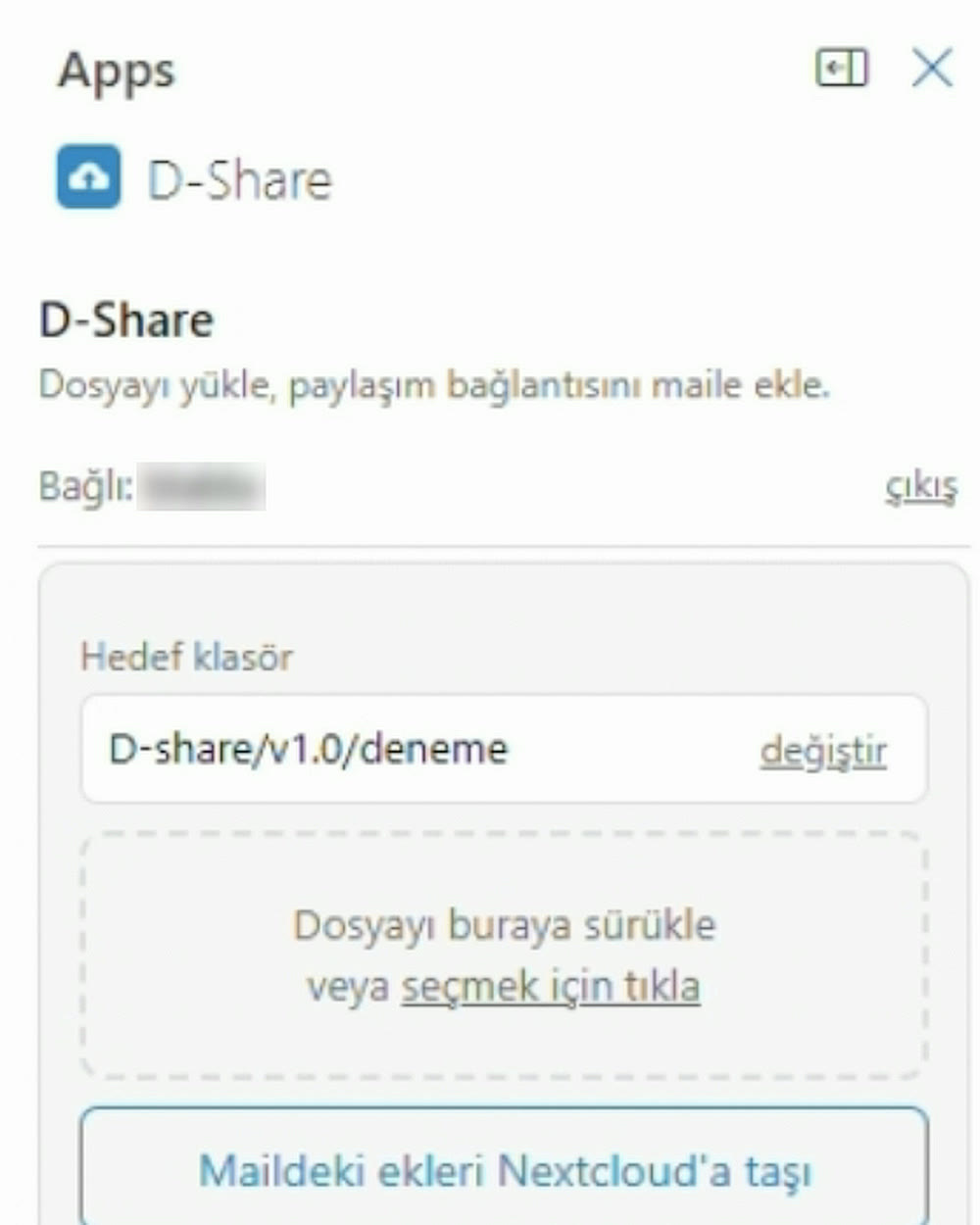
MS Connector
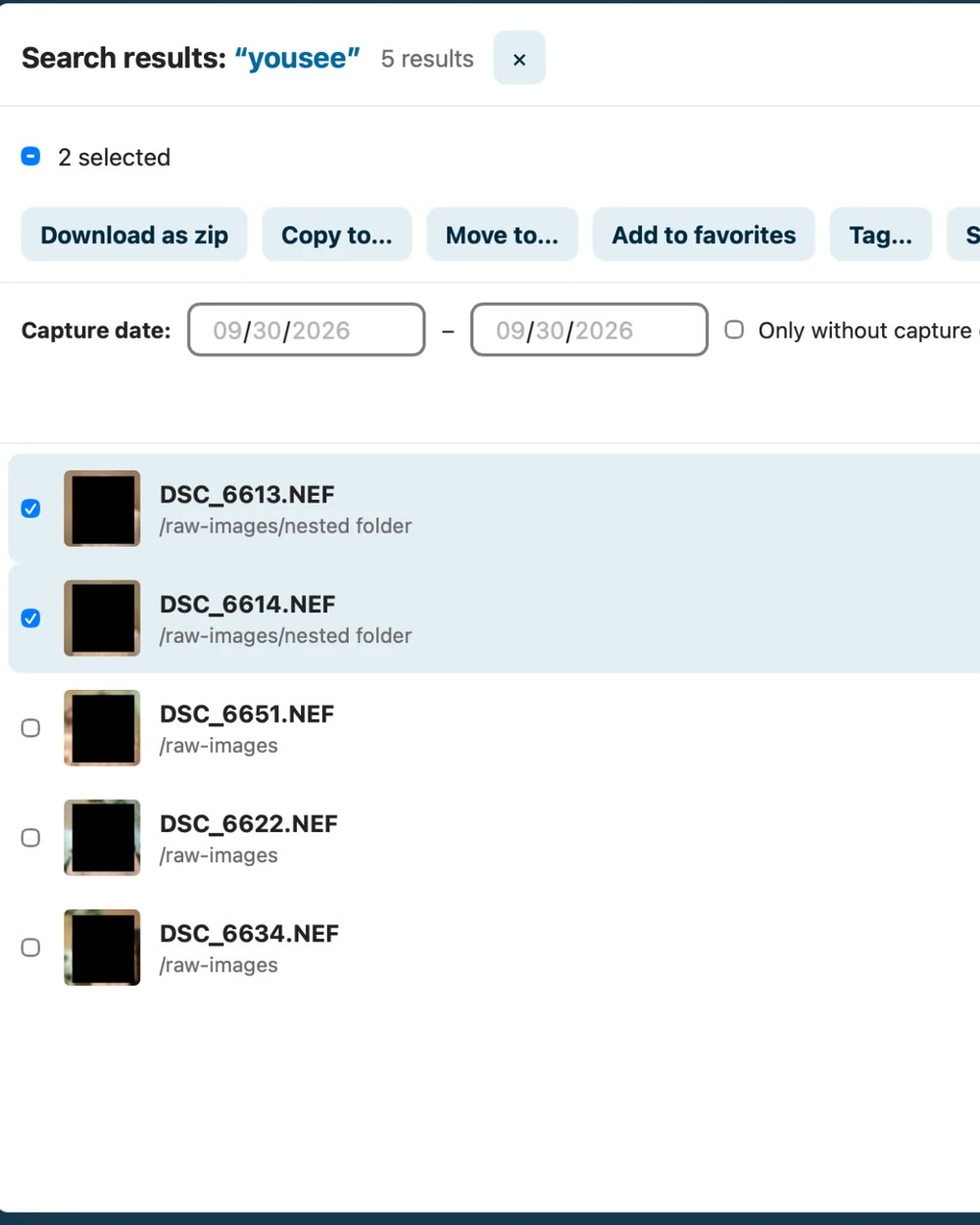 Metadata Search
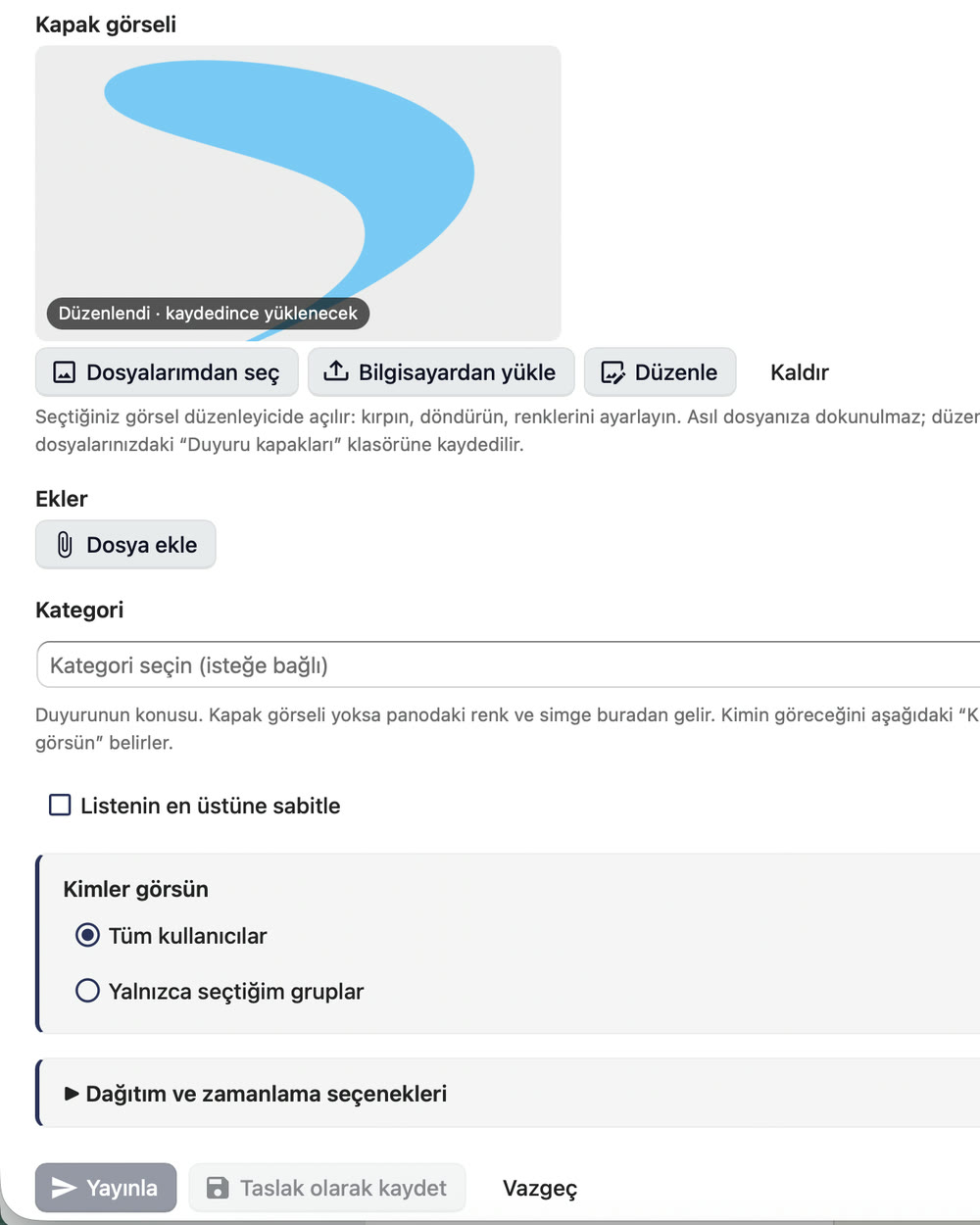 Notice Board
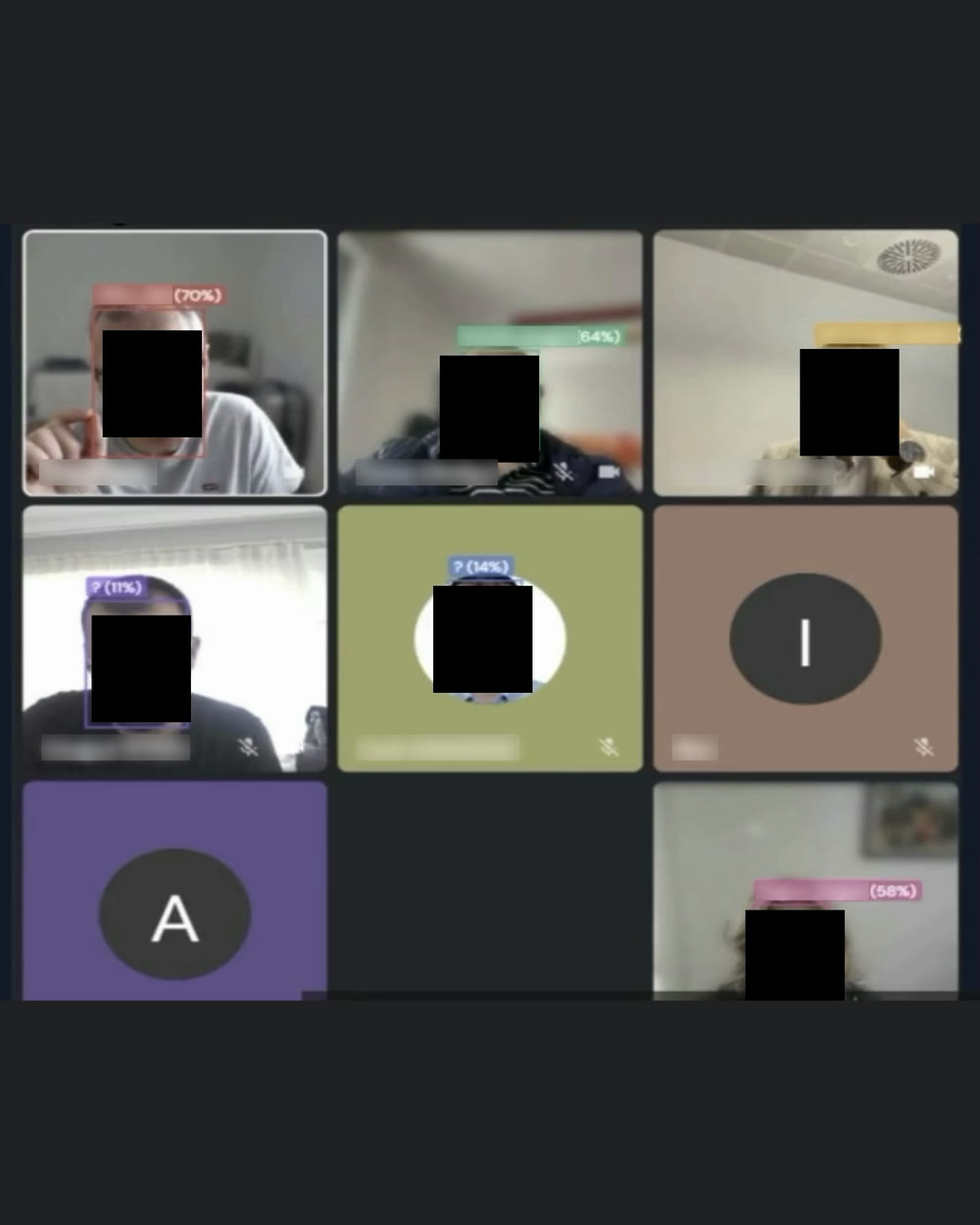 D-Hub FaceRecTag
D-Hub Face Recognition
FaceRecTag in D-Insight →
Every layer
of the platform.
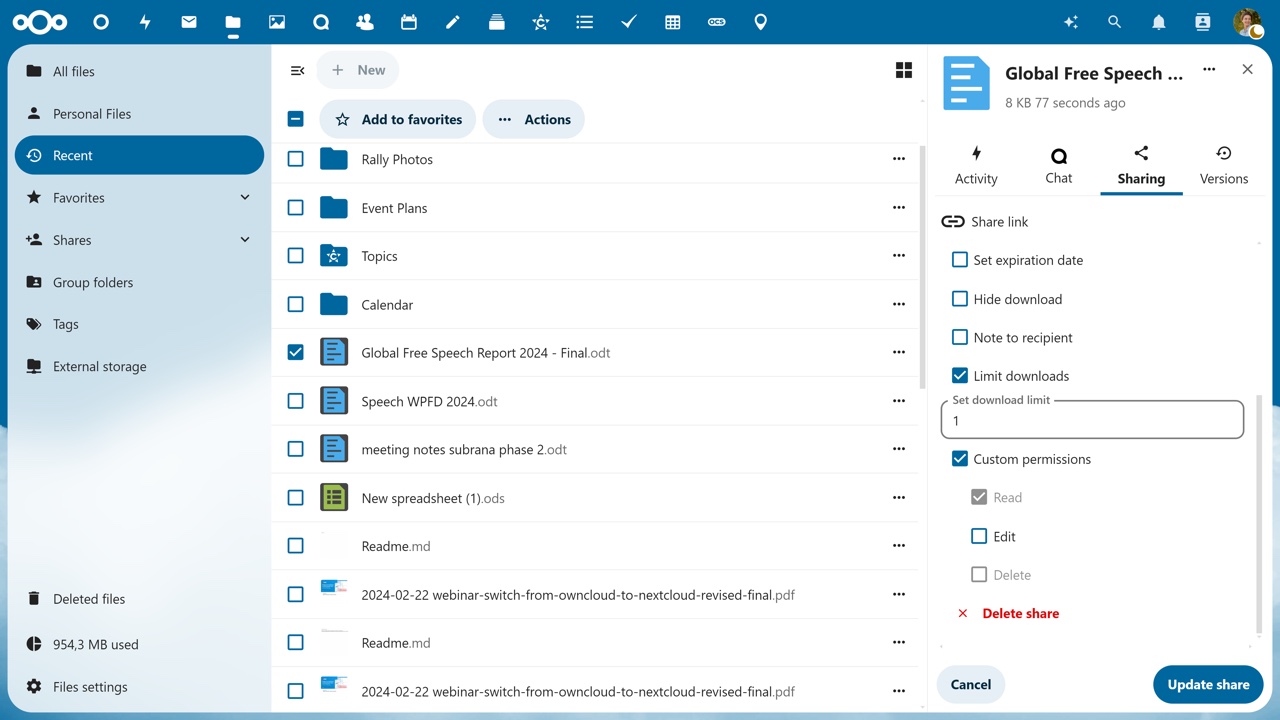
Files — file management
Access your files from anywhere; the web, mobile and desktop apps show the same content. Collaborative editing, comments, search and tagging all live in the same interface.
Guest accounts, file drop and workflow management keep sharing with outside parties under control too.
- Web · Mobile · Desktop client
- Collaborative editing
- Version history
- Comments, search and tagging
- Guest accounts
- File drop
- Workflow management
- Outlook integration
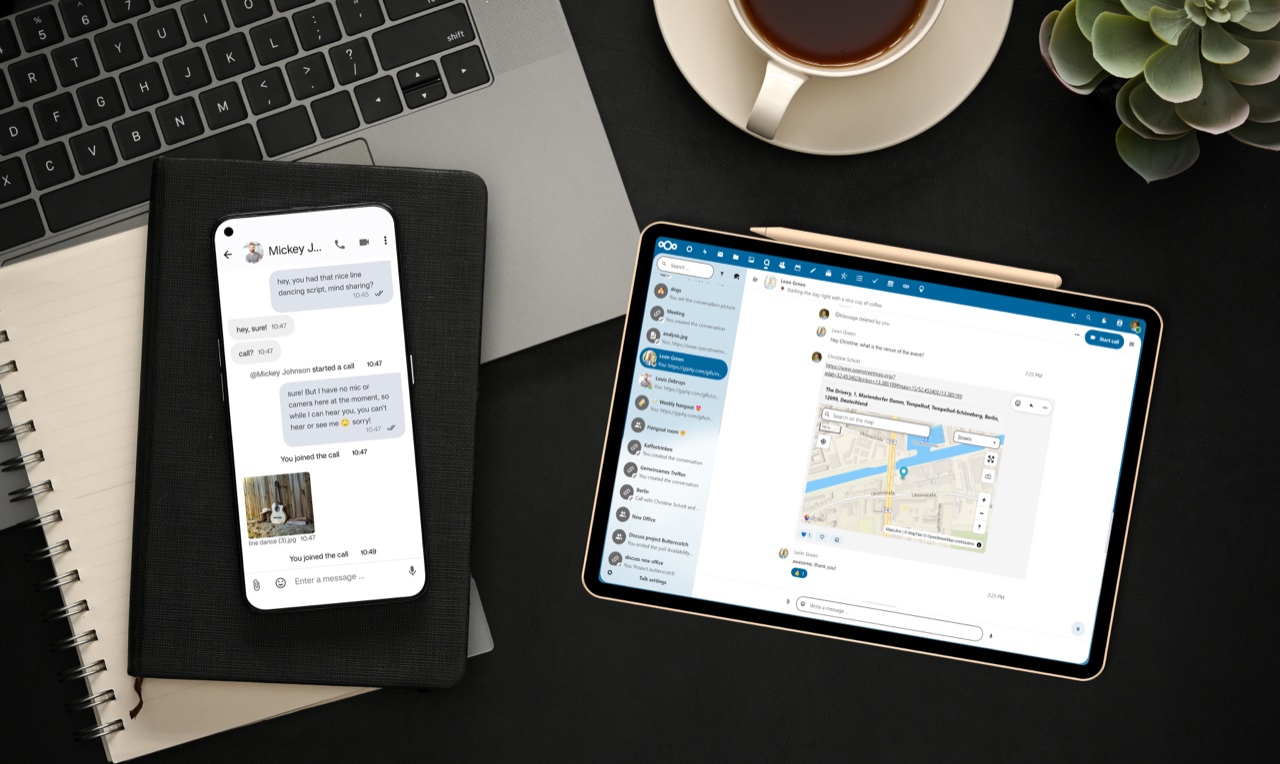
Talk — voice, video, chat
Real-time chat, voice and video; comes with web and mobile apps and integrates with Files.
Private, group and public calls, screen sharing and a waiting lobby are part of the platform.
- Private · Group · Public calls
- Screen sharing
- Waiting lobby
- Files integration
- Web and mobile apps
- External tool integration via commands
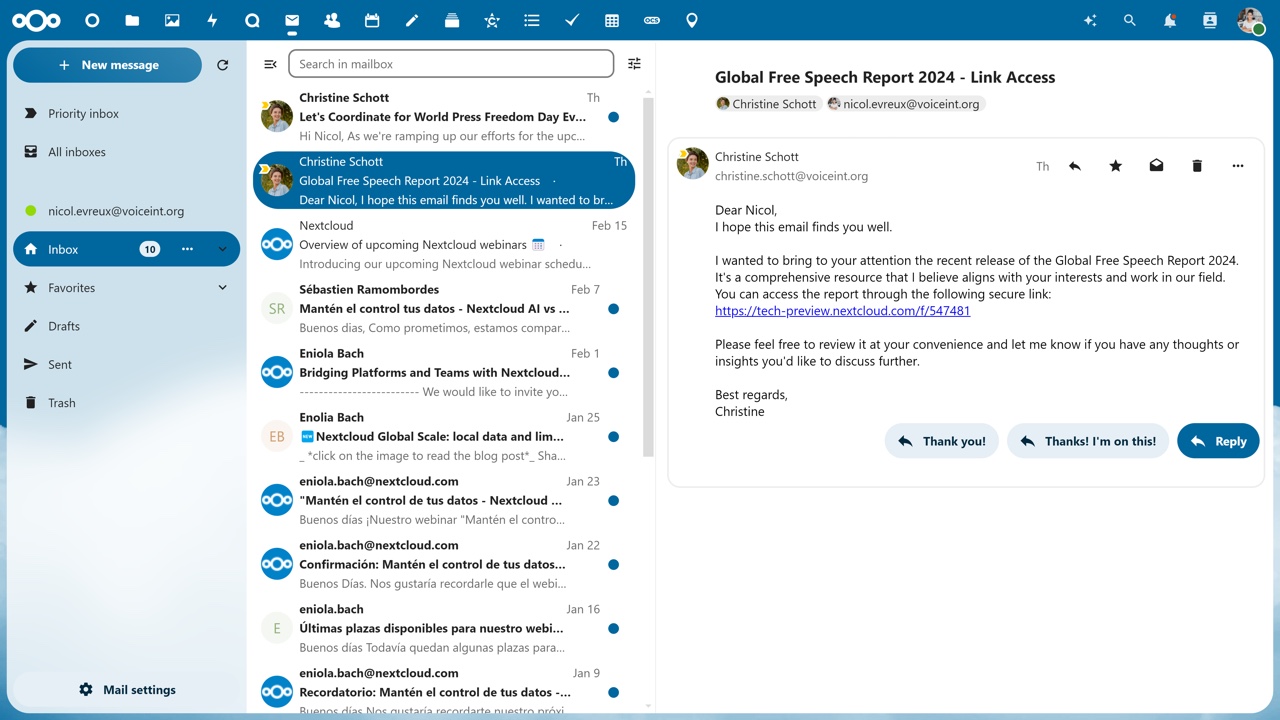
Groupware — mail, calendar, tasks
Webmail, calendar and task management come with standards-based integration and work together with Files and Talk.
Team boards in Deck and shared calendars in Calendar are managed from the same session; Outlook integration is included.
- Mail — webmail
- Calendar — shared calendars
- Deck — task boards
- Contacts
- Standards-based integration
- Outlook integration
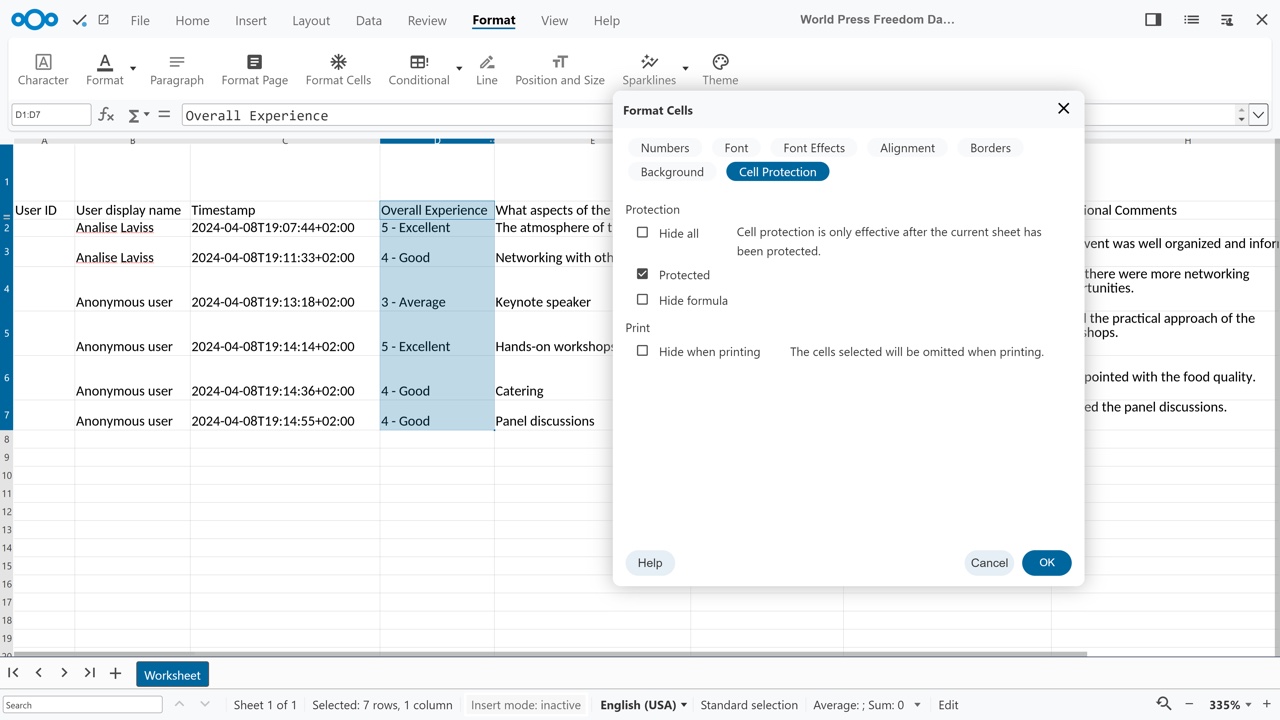
Office — real-time document collaboration
Documents are edited in the browser by several people at once; all major file formats are supported.
Templates and watermarks keep corporate document discipline intact; integrates with Talk and Files.
- Text · Spreadsheet · Presentation
- Real-time co-editing
- Templates
- Watermarks
- Knowledge management
- Talk and Files integration
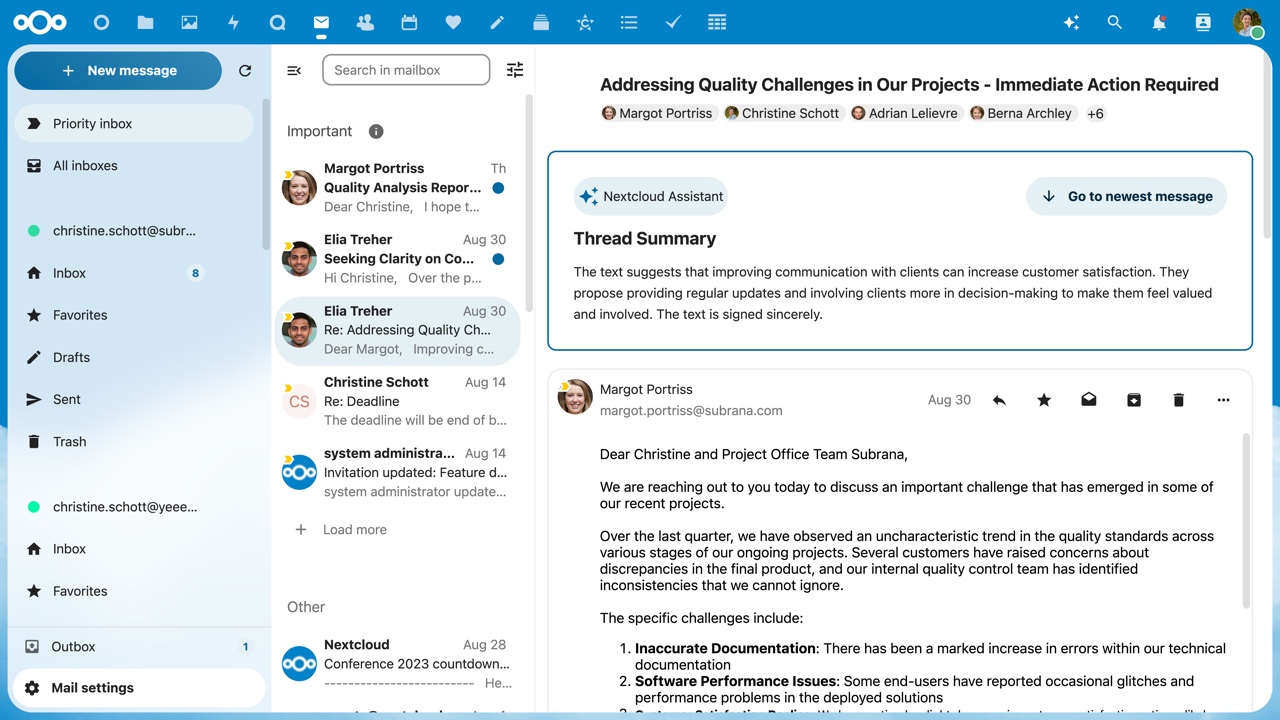
Assistant and Flow — AI, automation
Nextcloud Assistant runs on a 100% open source large language model, entirely on-premise — neither the prompt nor the answer leaves the organisation.
On the Flow side, rule-based workflows automate file and sharing operations.
- Large language model
- 100% open source
- Runs fully on-premise
- Text and thread summaries
- Flow — rule-based workflows
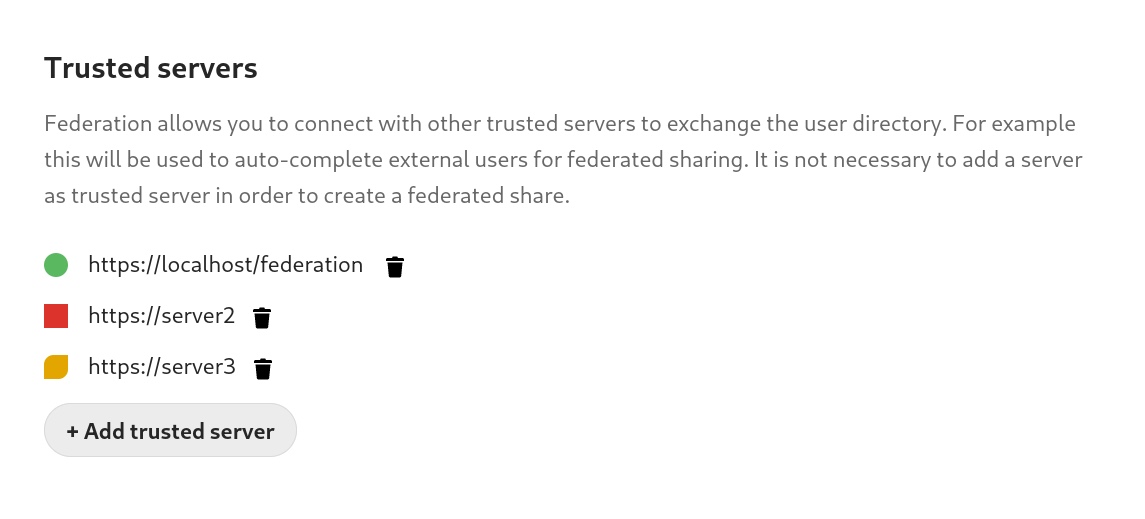
External storage and federation
D-Hub becomes the central access point to all data in the organisation: existing file servers and object storage connect to the platform and are used from one interface without moving the data.
With federation, server-to-server sharing over Open Cloud Mesh works like a single service; the File Access Control firewall governs access.
- SMB/CIFS
- SharePoint
- S3
- Swift
- FTP
- WebDAV
- User · group · global mounts
- Federation (Open Cloud Mesh)
- File Access Control
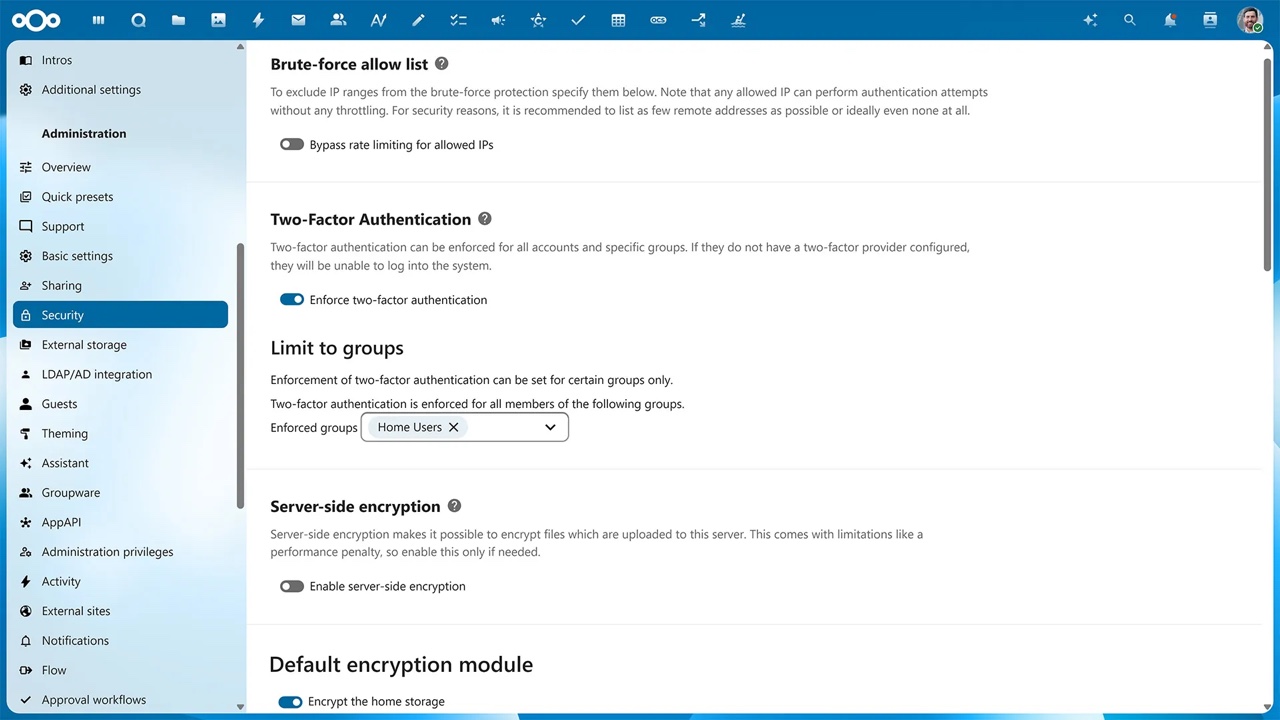
Security, encryption and compliance
Authentication via LDAP, SAML, OIDC and two-factor verification; brute-force protection and machine-learning-based suspicious login detection come as standard.
Data at rest is encrypted server-side, sensitive content end to end, and data in transit with TLS. Self-hosting brings a complete audit trail and KVKK/GDPR compliance with it.
- LDAP · SAML · OIDC
- Two-factor authentication
- Brute-force protection
- Suspicious login detection
- Remote wipe
- File Access Control
- Ransomware protection
- Server-side encryption
- End-to-end encryption
- TLS in transit
- Audit trail
- KVKK / GDPR compliance
Ready to move your infrastructure to D-Stack?
Talk to our engineers. No commitment, no sales pressure — just a technical conversation focused on your needs.
Write to us for quotes and technical discussions.
Talk to our engineers.
No commitment, no sales pressure — just a technical conversation focused on your needs.